



Do it with a friend.
A week, a month, ninety days. Same days, same end card. Each phone counts its own.
Progress photos, lined up into a timelapse.
 Plus · $39.99−40% $23.99, once
Coming to iPhone soon Keep me posted
Free to start. Plus is $39.99$39.99 $23.99, once
Coming to iPhone soon. Keep me posted


Bud


January


Day 11 January 2026
Watch first
 1:15
Play the 75-second video, on YouTube
Plays from YouTube.
 One month30 photos · 30 of 30 days
How it works
Android's own picker. Becoming reads each date, finds your eyes and mouth, and moves every photo until you sit where you sat yesterday.
It picks the pace and the day count, and suggests music. Portrait or landscape, at 1080p.
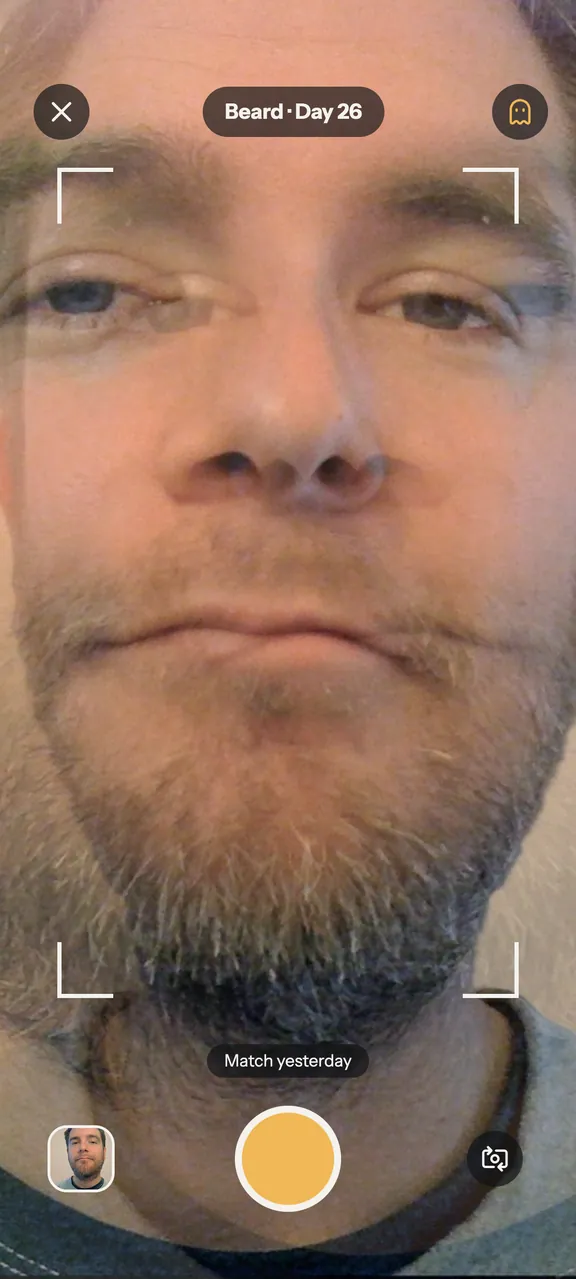
Yesterday's photo, faded over the viewfinder. Match it, take it.
Becoming Plus
$39.99$39.99 $23.99 once, or $19.99 a year, for the Android app.
Get Plus · $39.99 Get Plus · $19.99 a year Coming to iPhone soon Keep me posted
Black Friday, 27 Nov–1 Dec: $39.99 → $23.99Black Friday, until 1 Dec· left
30-day refund · Checkout by Polar
Your key shows the moment you pay. Paste it in Settings › Becoming Plus.
Coming to iPhone soon. Keep me posted
What you can track
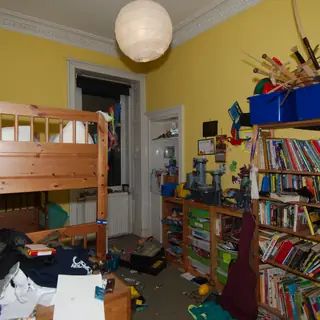
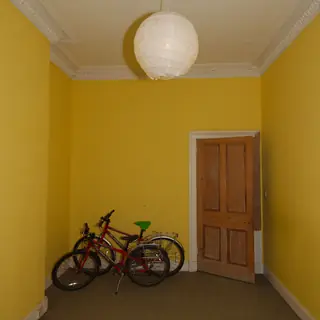
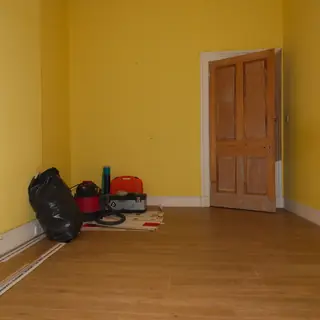
Also in the app, each with its own prompt: gym progress · skin · pregnancy · weight · hair growth · a tattoo · recovery · a pet.




Private by design
Stays on your phone
PolarIf you have Plus: a check that your key is still active, about weekly. Never a photo.
Google ML KitIts face and body finder reports the phone model, the app version, an ID for this install, how it ran and any errors.
A week, a month, ninety days. Same days, same end card. Each phone counts its own.
It counted your days. It didn't measure you.
Back up to a folder you pick. Restore the first time you open Becoming.
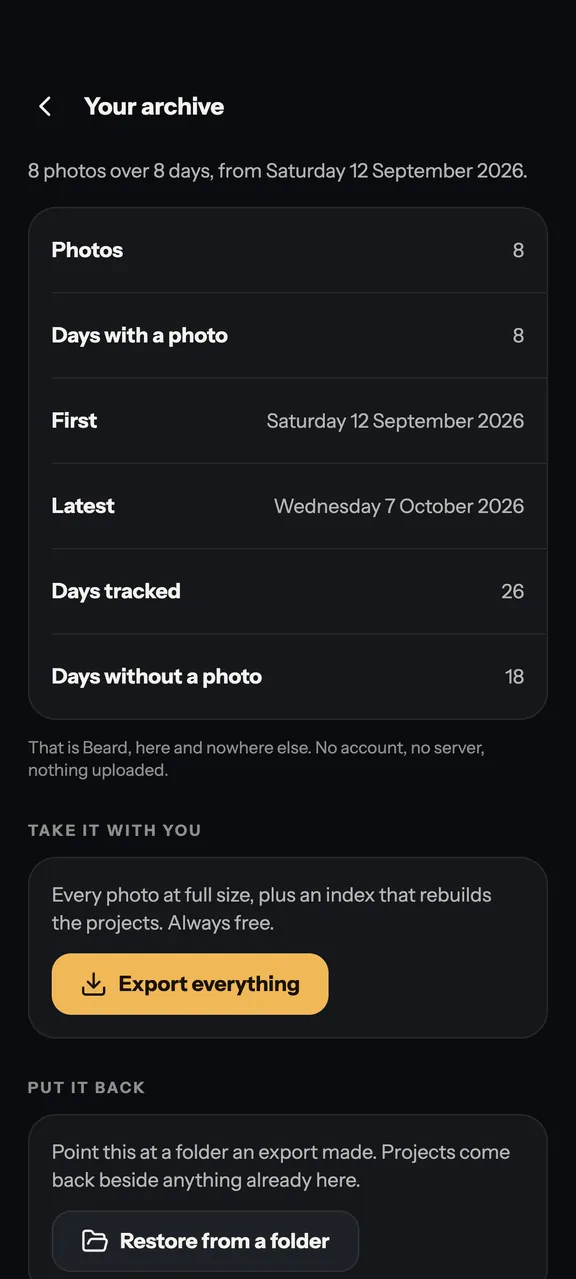
Day 26 9 photos · 9 of 26 days
His real month, as the app ends it: the days he showed up.









His real month: nine photos in 26 days, and still one video.
Yes. Your photos, lining them up, your 1080p video with a small becoming.pics mark, and backups are free for good. Plus takes the mark off and adds more projects, Instagram and TikTok in one tap, every look and all the music.
No. The app shows no prices and no offers, and nothing about Plus opens by itself. Tap something that's part of Plus and it says what stays free, then asks for a key if you have one.
As many projects as you like. Crop, colour and titles. Every before-and-after carousel, as pictures. Your video without our mark on it. Straight to Instagram and TikTok, clean, in one tap. Every look, from the first photo. All eighteen tracks, and your own music.
Free videos carry a small becoming.pics mark from the very first export, so nothing changes later. Plus takes it off.
Sending straight to Instagram or TikTok in one tap is part of Plus, because those sends can only carry a clean video. On the free tier you save the video with the mark and post it yourself, wherever you like.
In Settings › Photos and backup › Your archive, Export everything writes every photo and every edit from every project into a folder you pick, and Becoming can keep that folder up to date as you go. The first time you open Becoming on a new phone, tap Restore from a backup. Each project comes back as it was. It's free.
Because no photo is uploaded, a folder on the phone goes with a lost phone. For that, turn on Also save to your gallery in Settings › Photos and backup: each new photo is also saved to your gallery, which your gallery's cloud backup, such as Google Photos, can keep. Uninstalling deletes everything too, unless you tick Keep app data when Android asks.
The backup carries your Plus key as well, so Plus comes back on the new phone once it's online.
No account, and no photo is uploaded. Becoming copies the photos you pick into its own storage on your phone, and photos you take in the app stay there, out of your gallery unless you turn on Also save to your gallery. Finding your face, lining up and making the video all happen on the phone.
Two companies receive a little technical information from the app, and neither receives a photo. If you have Plus, the app asks Polar, which sells it for us, whether your key is still active: it sends the key, an ID for this phone's slot and the phone's model name, about once a week. And Google says ML Kit, the part that finds faces and bodies, sends Google the phone's model, the app's version, how fast it ran and any errors, under an ID made for this install.
 is already on your phone.
Coming to iPhone soon Keep me posted
Pick the photos you already have, and Becoming lines them up.
Android 7 or newer · Free to use · No account
Coming to iPhone soon. Keep me posted


